What's My Age Again app icon: the number 23 with a question mark on a blue background.

Never forget an age again.

What's My Age Again shows how old you and everyone you love are, right on your Home Screen. Ages update every day, and birthday countdowns tell you who's next.

Download on theApp Store

Free on iPhone and iPad. Pro is a one-time purchase, no subscription.

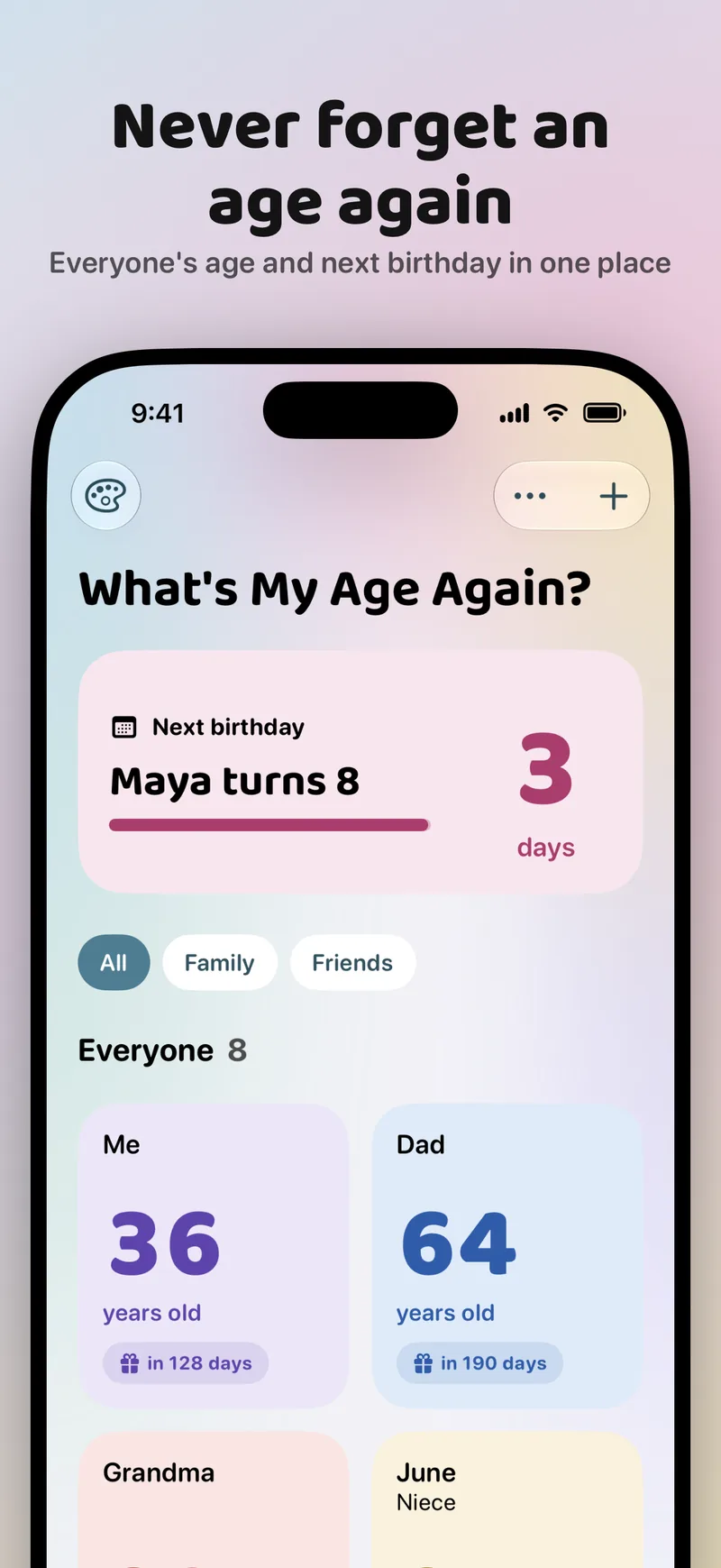
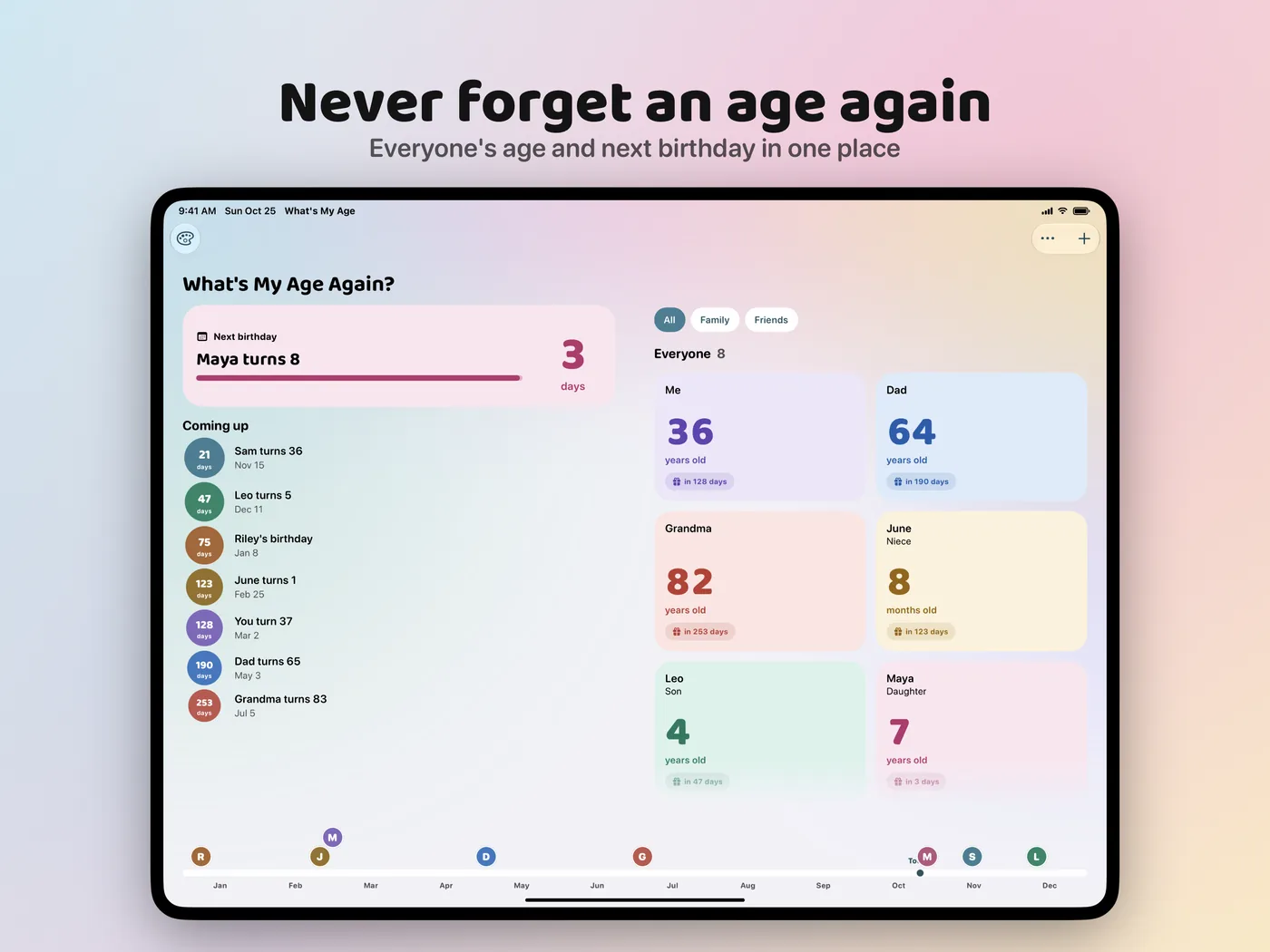
App Store screenshot titled “Never forget an age again”. The app's home screen lists Me, Dad, Grandma, and June with their ages, and a card at the top says Maya turns 8 in 3 days.
People

Everyone in one place

  • Add family and friends once, or import them from Contacts
  • See each person's age, next birthday, and how many days are left
  • Little ones show their age in weeks and months
  • No birth year? Birthday countdowns still work
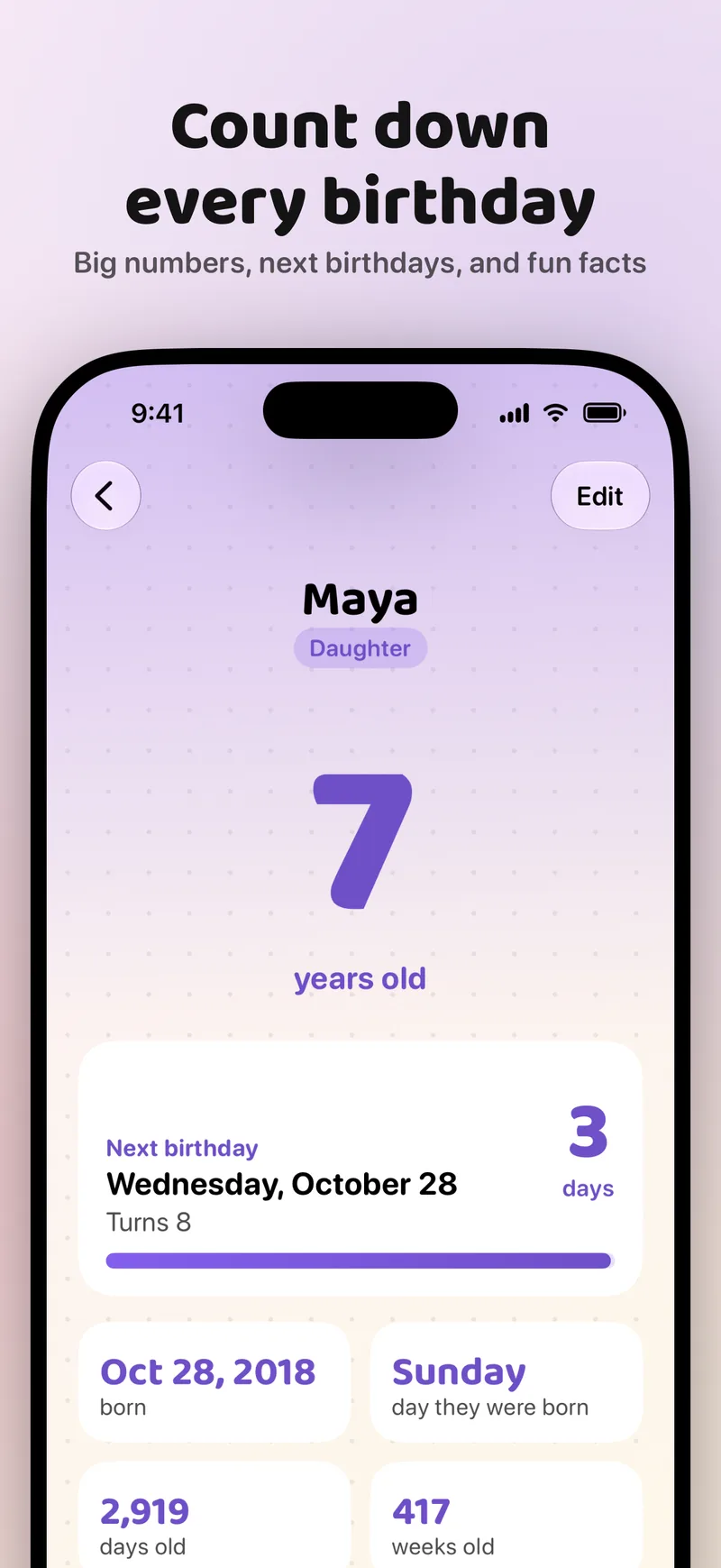
App Store screenshot titled “Count down every birthday”. A detail page for Maya, 7 years old, shows her next birthday on Wednesday, October 28 in 3 days, her birth date, the day of the week she was born, and her age in days and weeks.
Widgets

Ages on your Home Screen

  • Your age, someone else's age, and a birthday countdown
  • Home Screen and Lock Screen sizes
  • Pick who a widget shows right after you add it

How to add a widget

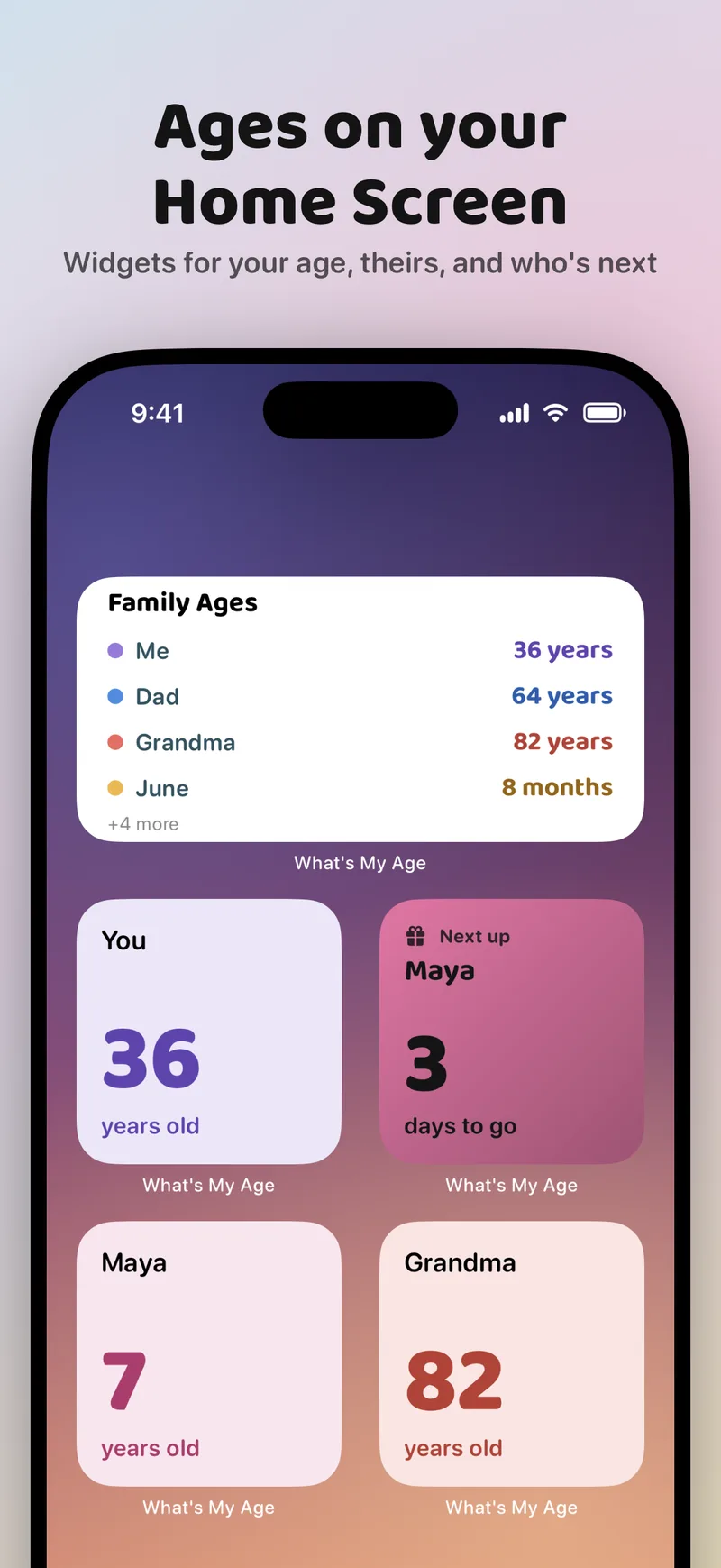
App Store screenshot titled “Ages on your Home Screen”. An iPhone Home Screen with a Family Ages widget listing four people, and four small widgets showing You 36 years old, Maya 3 days to go, Maya 7 years old, and Grandma 82 years old.
Themes

13 colorful themes

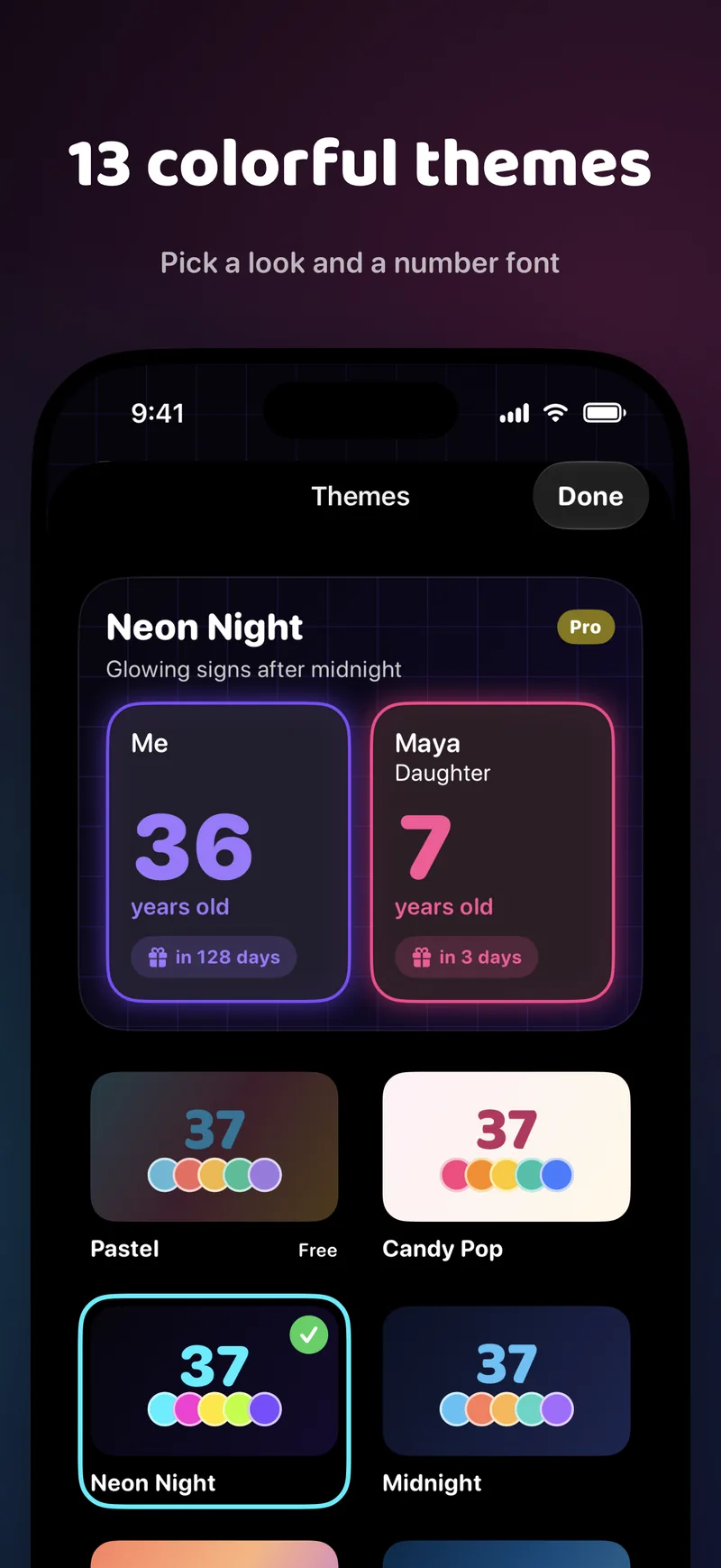
Pick a look and a number font. Pastel is free; 12 more themes and number fonts come with Pro.

App Store screenshot titled “13 colorful themes”. The theme picker shows the dark Neon Night theme selected, with Pastel, Candy Pop, and Midnight previews below.
Groups

Family, friends, and more

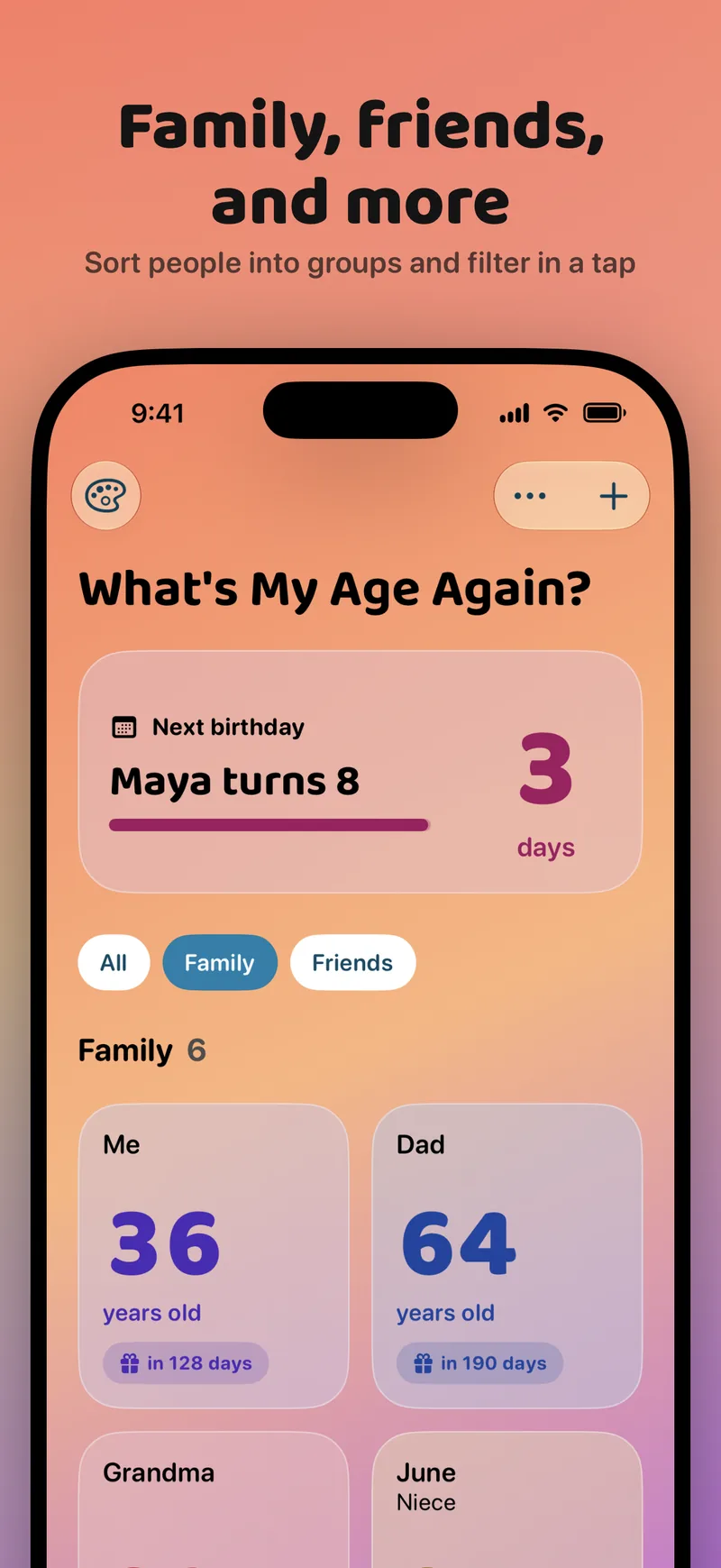
Sort people into groups like Family and Friends, then filter the list and your widgets in a tap. The Family Ages widget shows everyone's age at a glance. Groups and Family Ages are part of Pro.

App Store screenshot titled “Family, friends, and more”. The home screen is filtered to the Family group and shows six people, with filter chips for All, Family, and Friends.
iPhone Duo and iPad

Made for iPhone Duo

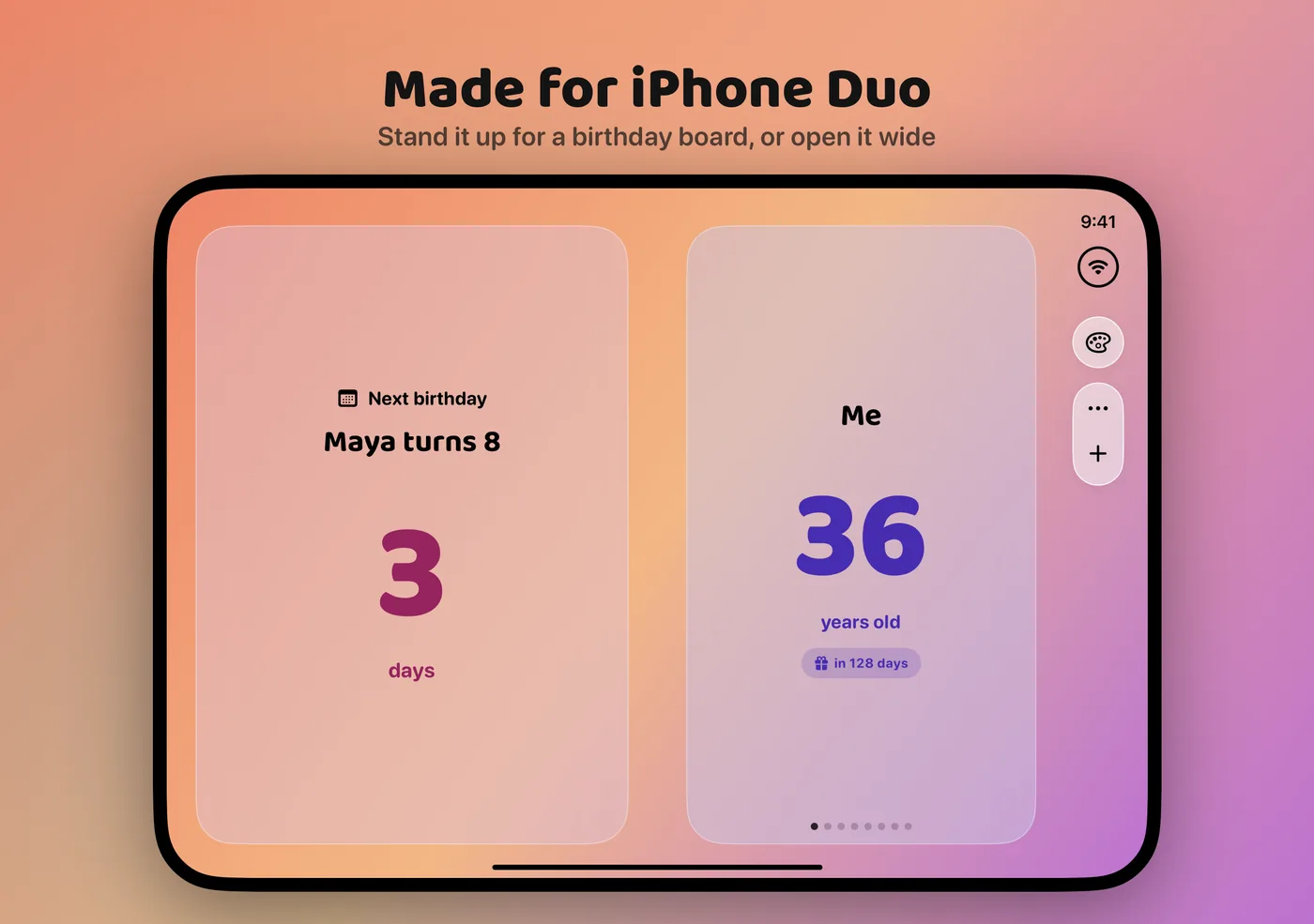
Stand it up for a birthday board, or open it wide. On iPad and iPhone Duo the whole year sits on one screen, with the list, the next birthday, and a timeline side by side.

App Store screenshot titled “Made for iPhone Duo”. An iPhone Duo stood up like a tent shows a Maya turns 8 in 3 days card on one side and Me, 36 years old on the other. App Store screenshot titled “Never forget an age again” on iPad. The wide layout shows a Coming up list on the left, age cards in the middle, and a year timeline of birthdays along the bottom.
Pro

Pro, one purchase

  • 12 more themes and number fonts
  • Groups like Family and Friends to filter the list and widgets
  • Family Ages widget: everyone's age at a glance
  • Custom widget colors and birth dates

No subscription. Already bought an earlier tip or upgrade? Restore Purchases in Settings.

Privacy

Your people stay on your device

Names, birthdays, and groups are stored only on your device, in the app and its widgets. Nothing you type is sent anywhere. Read the privacy policy.

Ready to stop doing the math?

Made by Josh Holtz, who kept forgetting his own age.

Download on theApp Store